
Redis Cloud Integration
Connect Your Redis Cloud Account
Section titled “Connect Your Redis Cloud Account”- Navigate to Integrations in your team sidebar
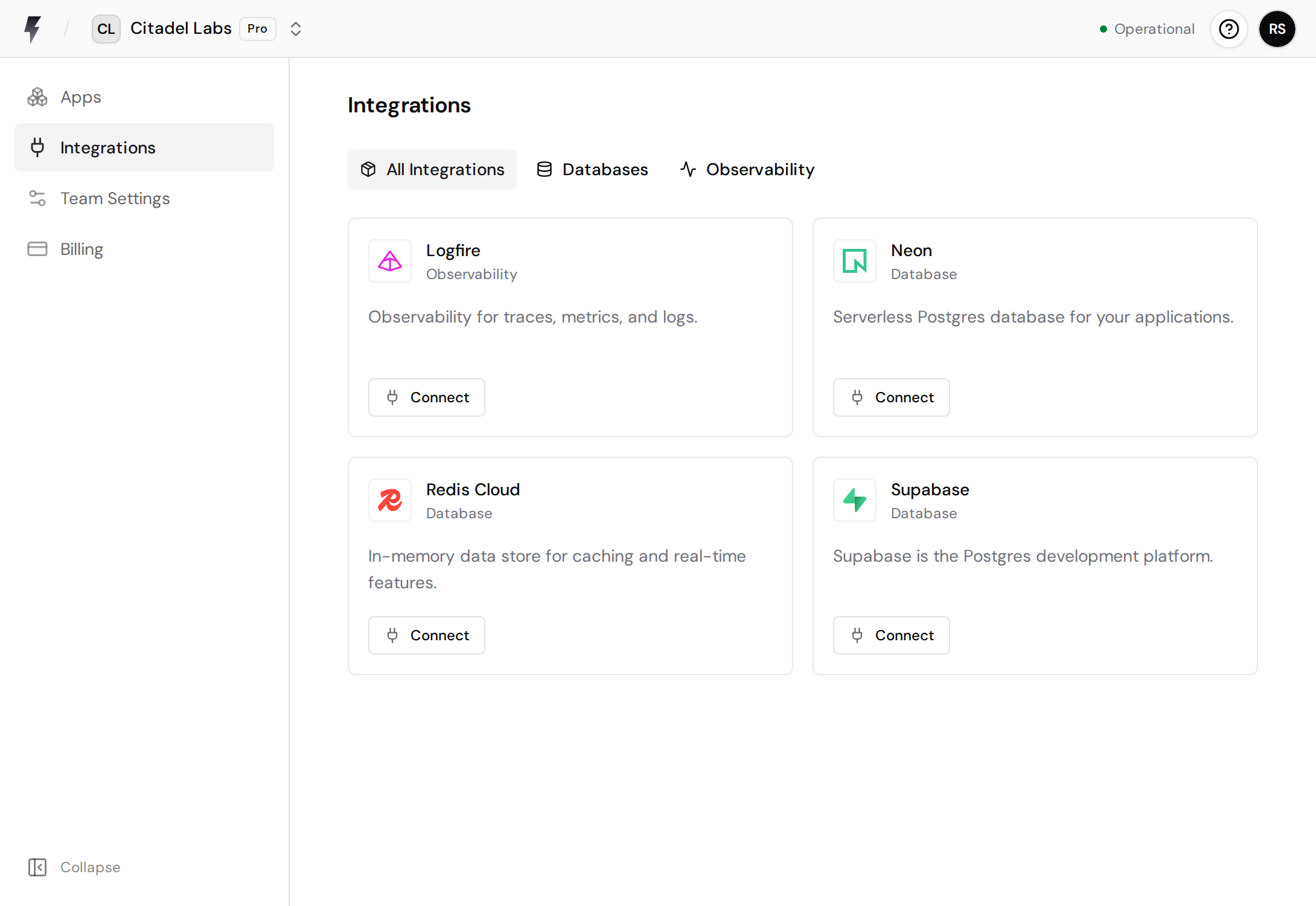
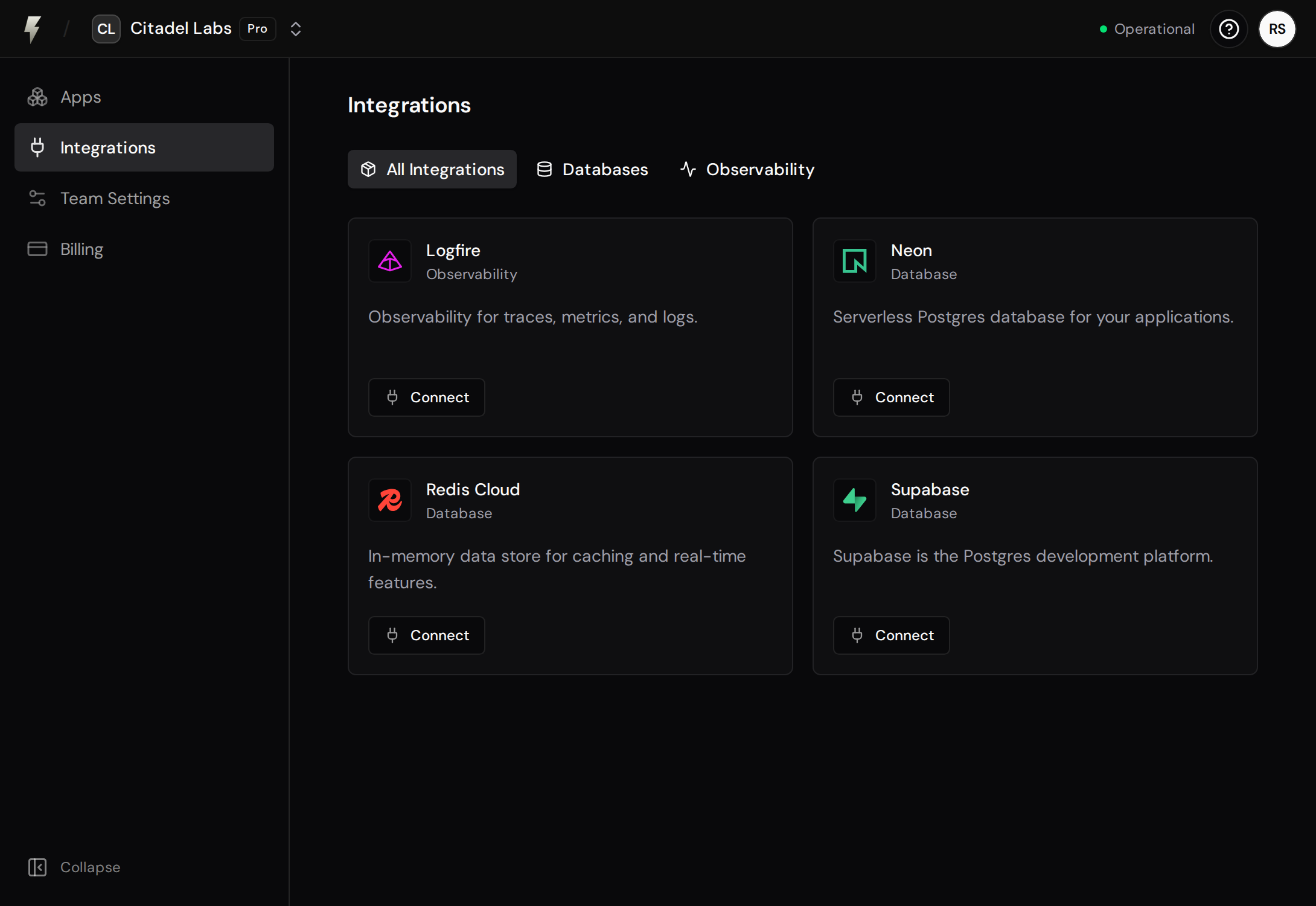
- Click Connect on the Redis Cloud integration
- Choose your identity provider (Google or GitHub)
- You’ll be redirected to Redis Cloud to authorize FastAPI Cloud
- Grant the requested permissions and you’ll be redirected back
Connect a Database to Your App
Section titled “Connect a Database to Your App”After connecting your Redis Cloud account, you can link a database to any app in your team:
- Go to your app’s Integrations tab in the app details and click Connect Integration
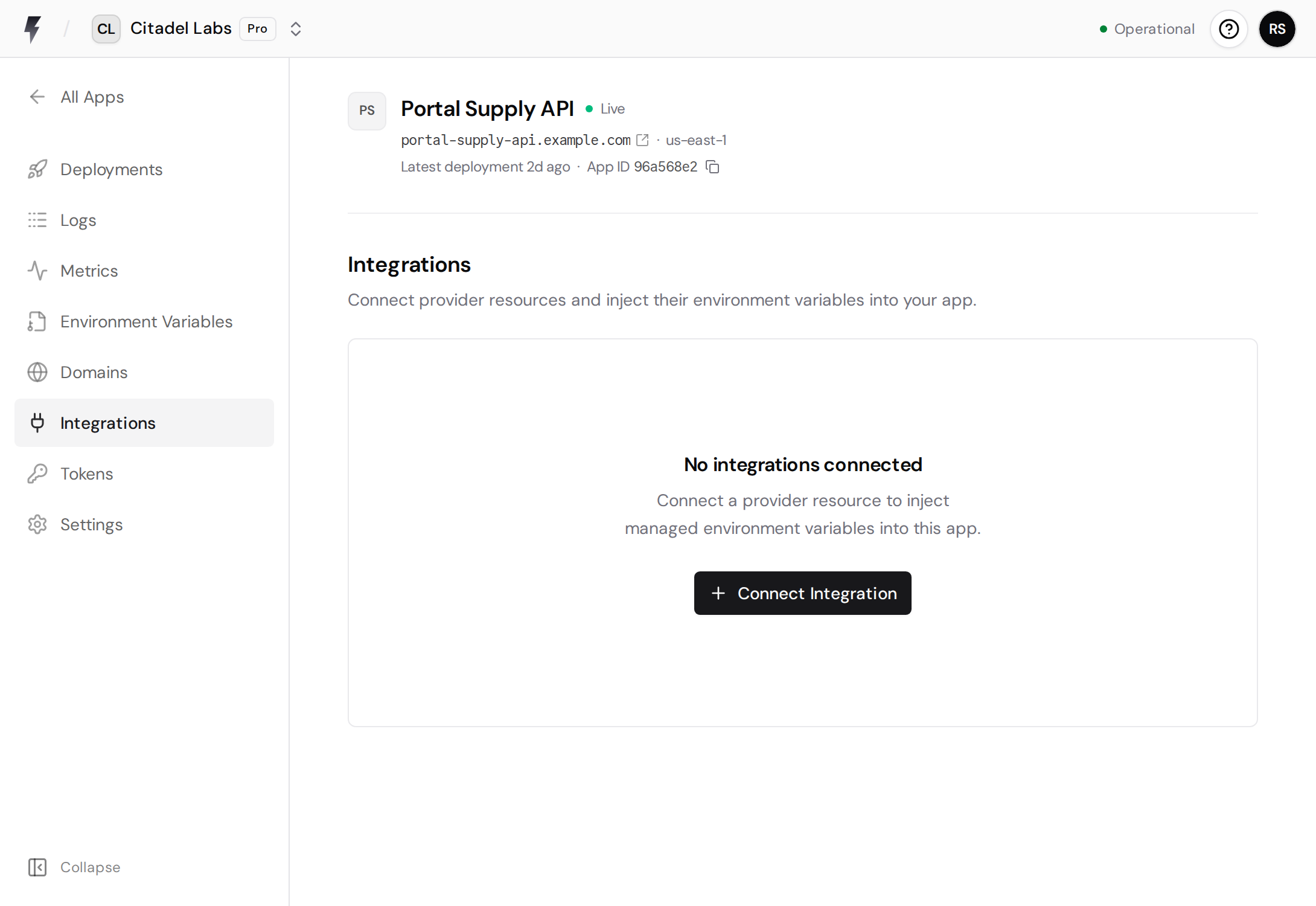
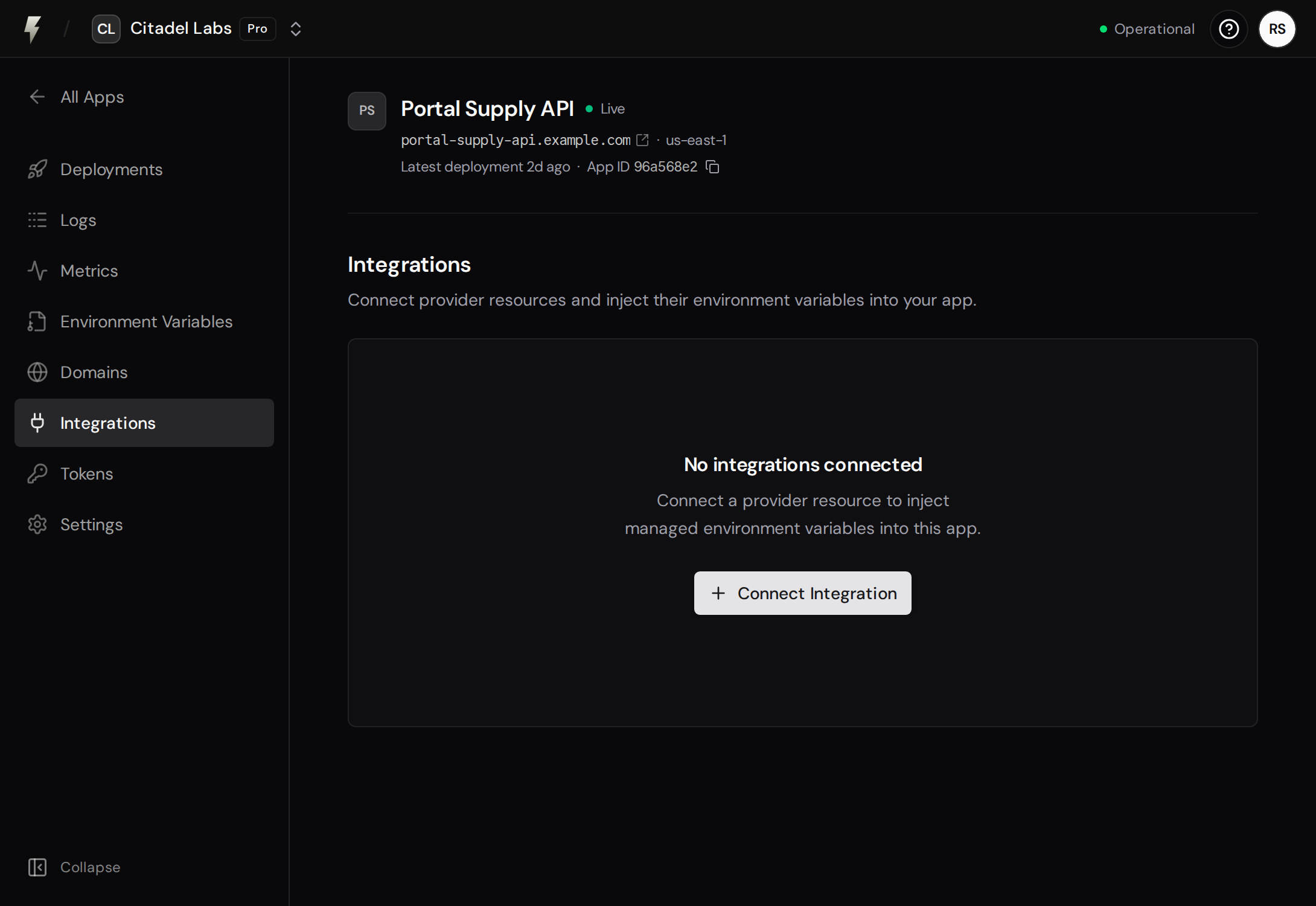
- Click Select on the Redis Cloud integration
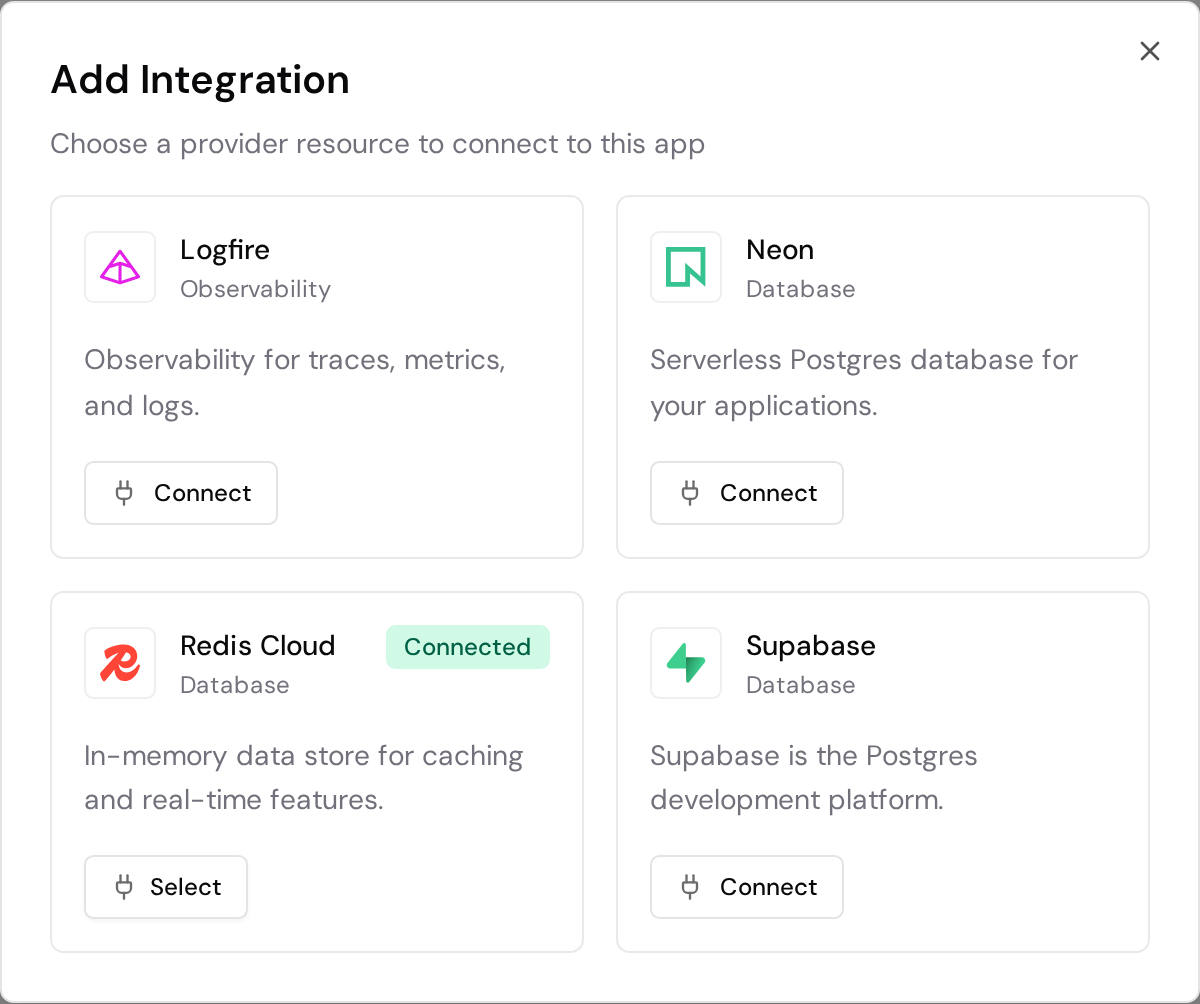
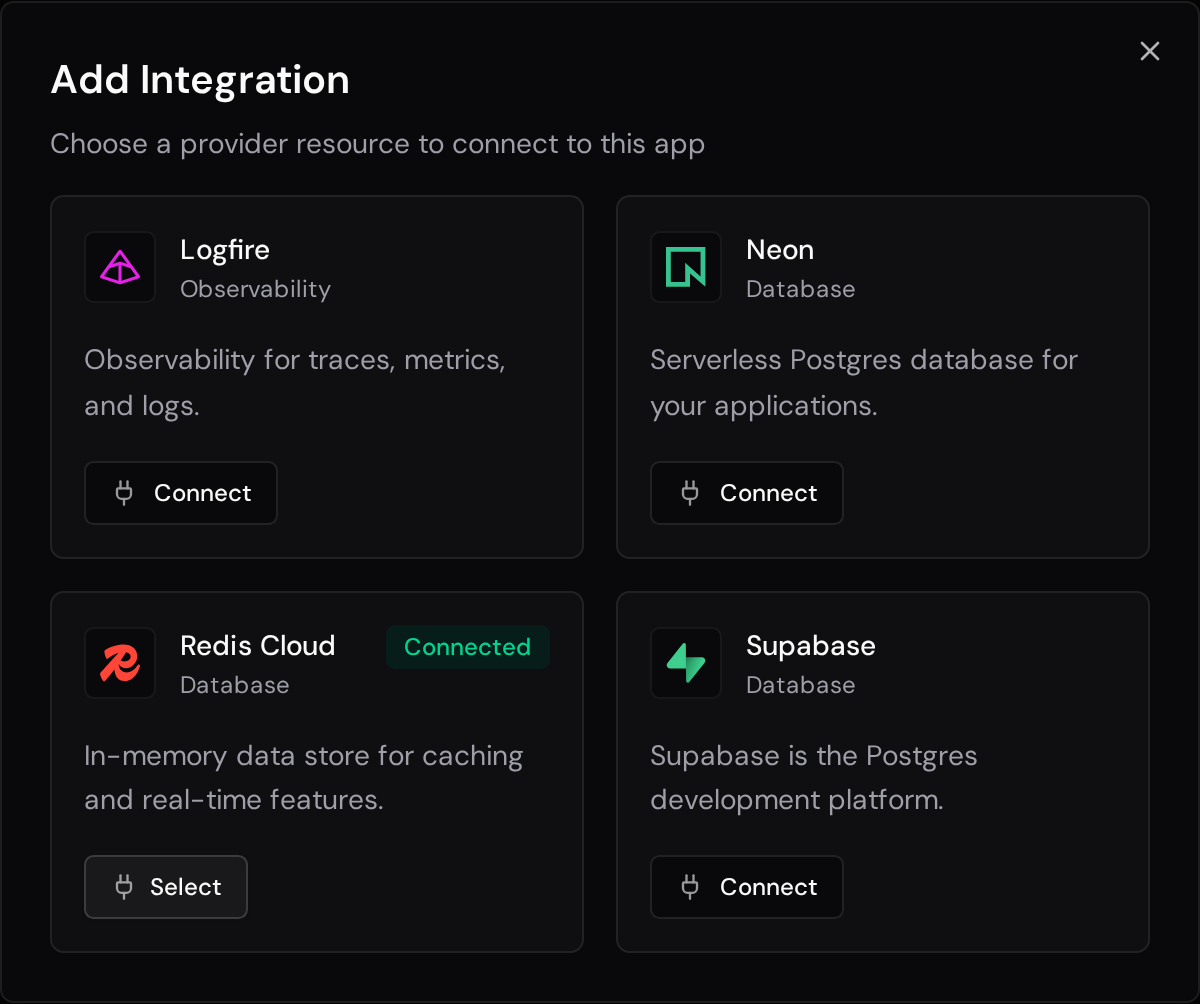
- Choose an existing subscription, or create a new free database
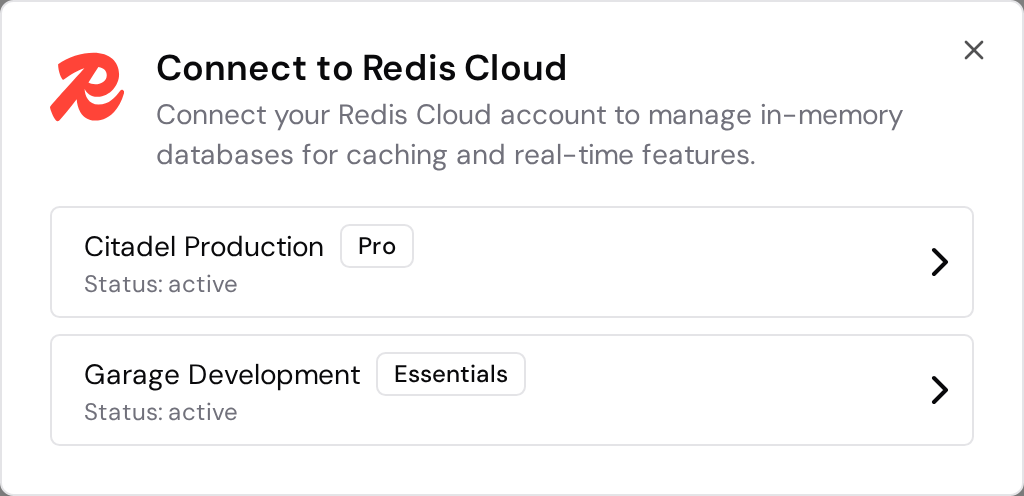
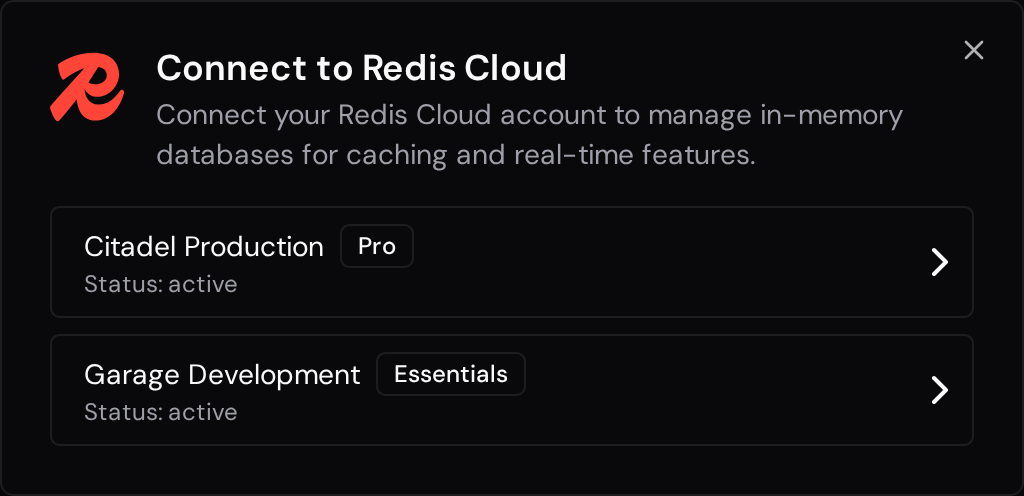
- Choose a database. This step is skipped for Essentials subscriptions
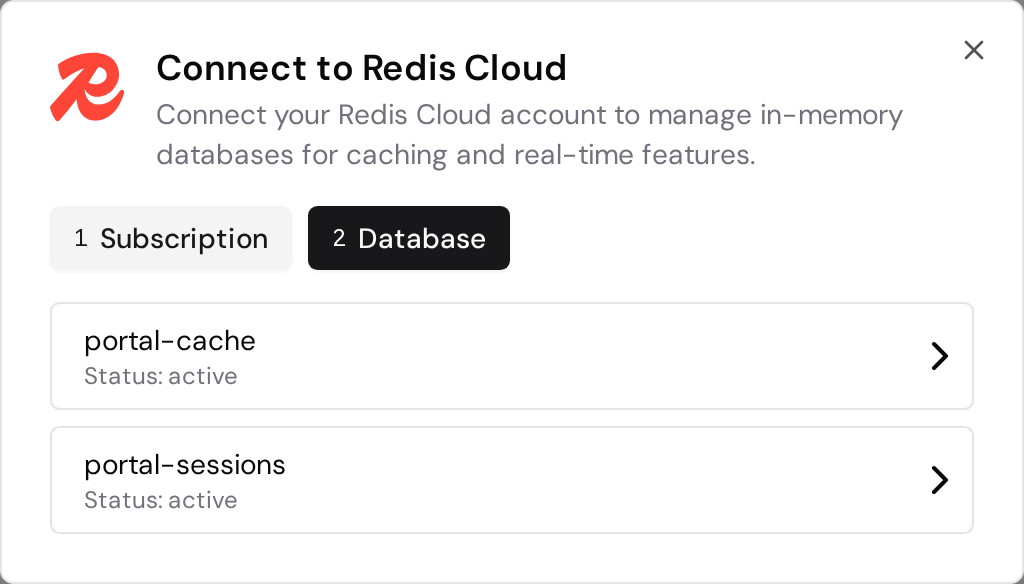
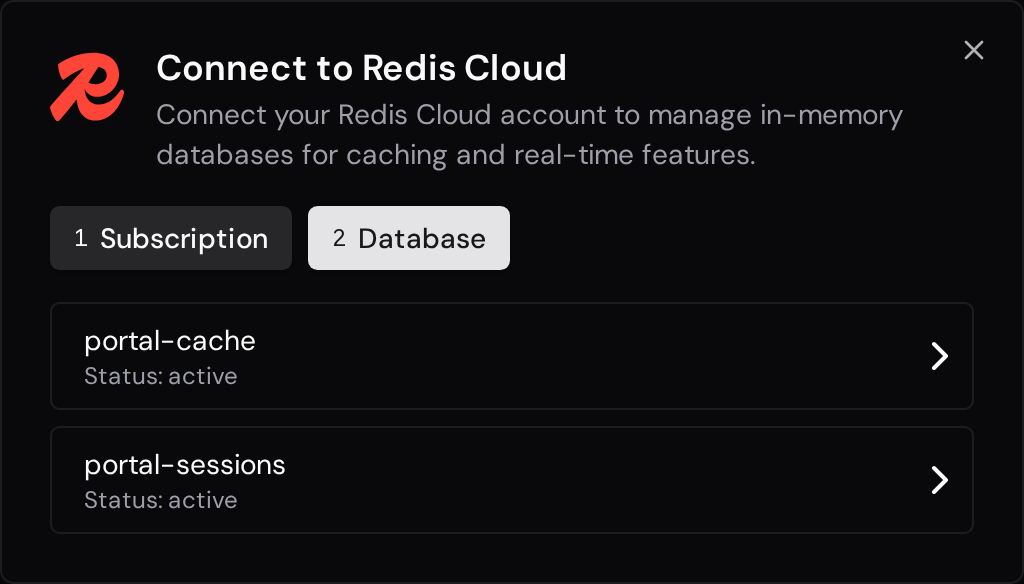
- Review the selected database and environment variable, then connect it. You can optionally trigger an immediate redeployment
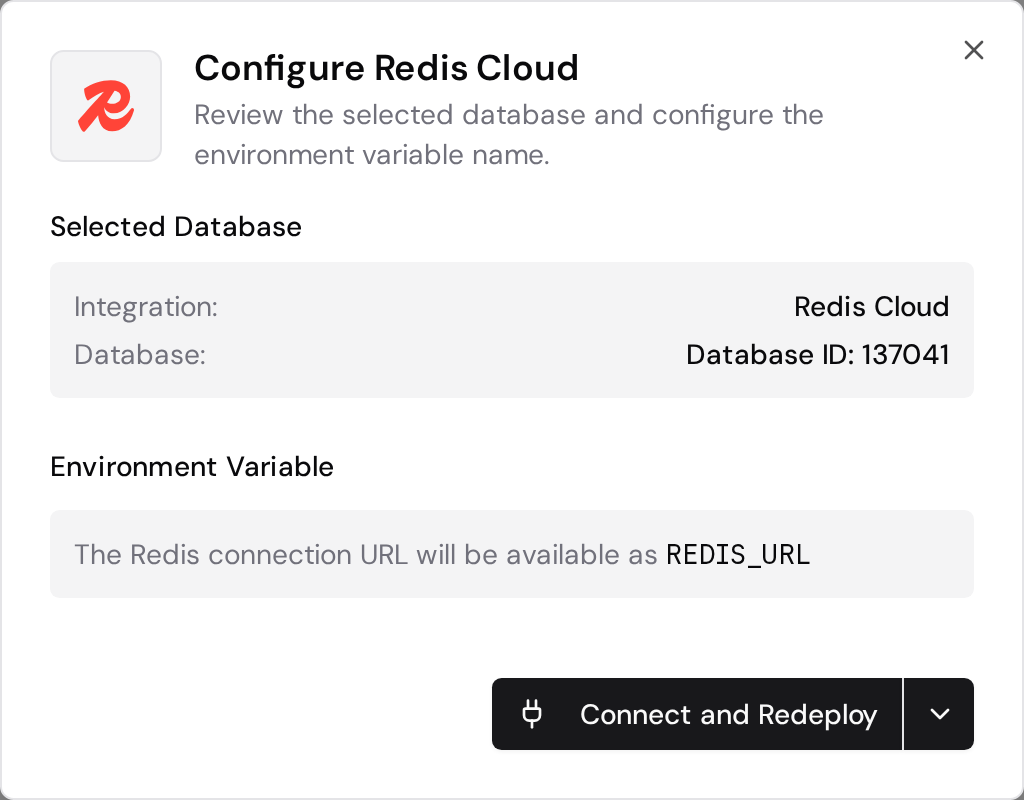
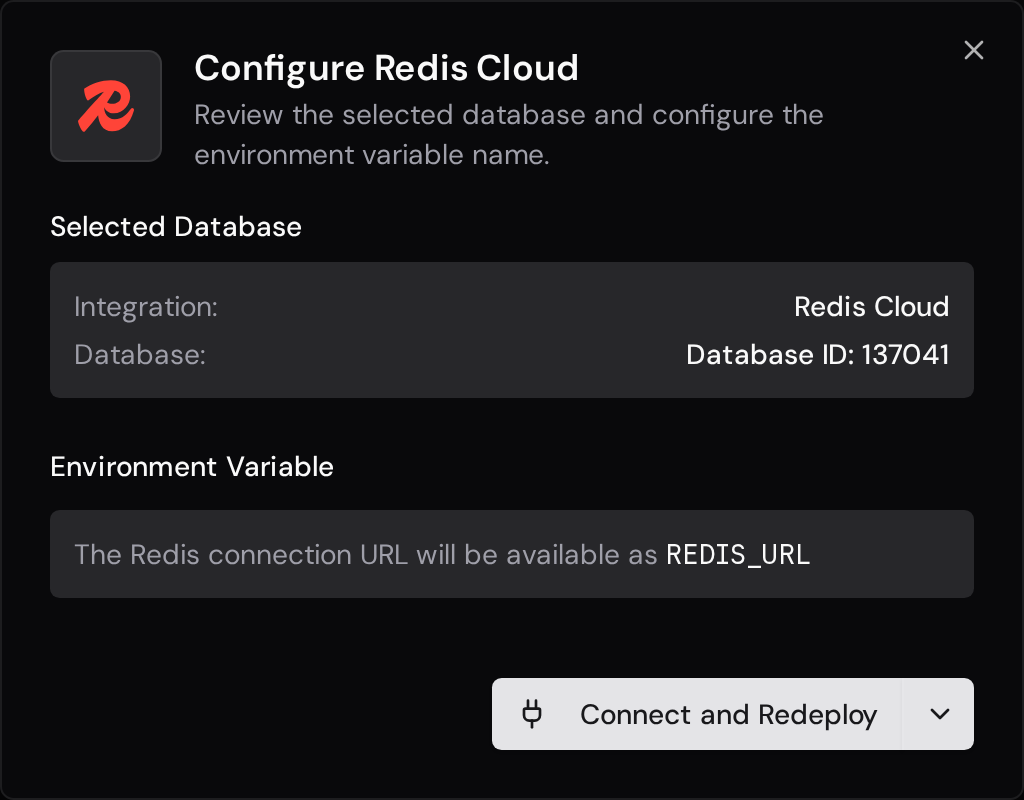
The database must be in an active status to be connected.
Creating a Free Database
Section titled “Creating a Free Database”If your Redis Cloud account has no Essentials subscription, you can create a free database directly from FastAPI Cloud:
- Click Create Free Database during the connection flow
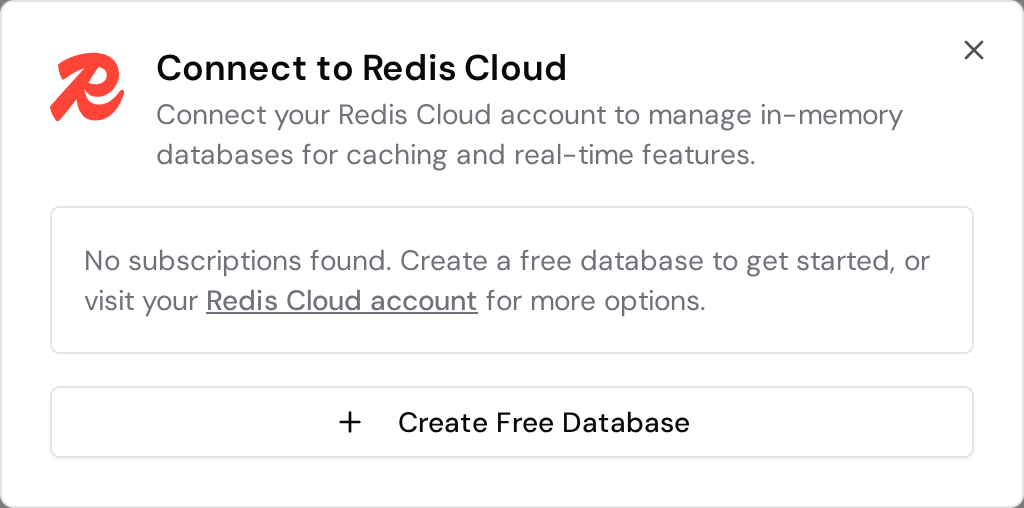
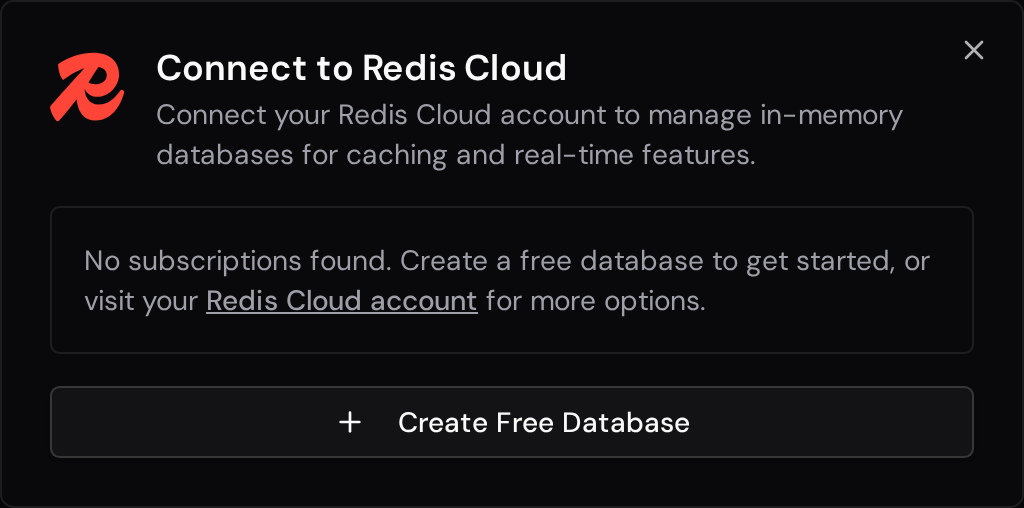
- Enter a name and select a region
- FastAPI Cloud will create a free-tier subscription and database in your Redis Cloud account
- Once the database is ready, connect it to your app
Environment Variable
Section titled “Environment Variable”The default environment variable name is REDIS_URL. You can customize this when connecting (e.g., REDIS_CLOUD_URL if you already have a REDIS_URL in use).
Usage in Your App
Section titled “Usage in Your App”Here’s an example of how to use your Redis Cloud connection automatically available via the REDIS_URL environment variable:
import redis.asyncio as redisimport os
# The Redis URL is automatically injected as an environment variableREDIS_URL = os.getenv("REDIS_URL")

async def get_redis_client():    return redis.from_url(REDIS_URL)

async def cache_example():    client = await get_redis_client()
    await client.set("key", "value")    value = await client.get("key")
    await client.set("cache:data", "cached_value", ex=timedelta(minutes=10))
    # Clean up    await client.close()